

Where is your device on the bench?
If you dropped off with us on Holderness Road, use your ticket details below — same live system our counter team sees at the till.
Look up your ticket
Same system as the shop counter
Enter the details from your drop-off receipt to see payment info, invoice download, and the current repair stage.
What to enter
The lookup matches what we wrote on your drop-off receipt. No account needed.
Ticket ID
Printed at the top of your drop-off slip — usually starts with a number from our till.
Last name, email, or mobile
Whichever contact detail you gave us when you handed the device in.
Can't see your ticket number?
Check your drop-off receipt, confirmation email, or the text we sent when the device was booked in. Still stuck? Call the shop — we can read it off the system in seconds.
Live workshop status
Powered by the same RepairDesk ticket we opened when you visited.
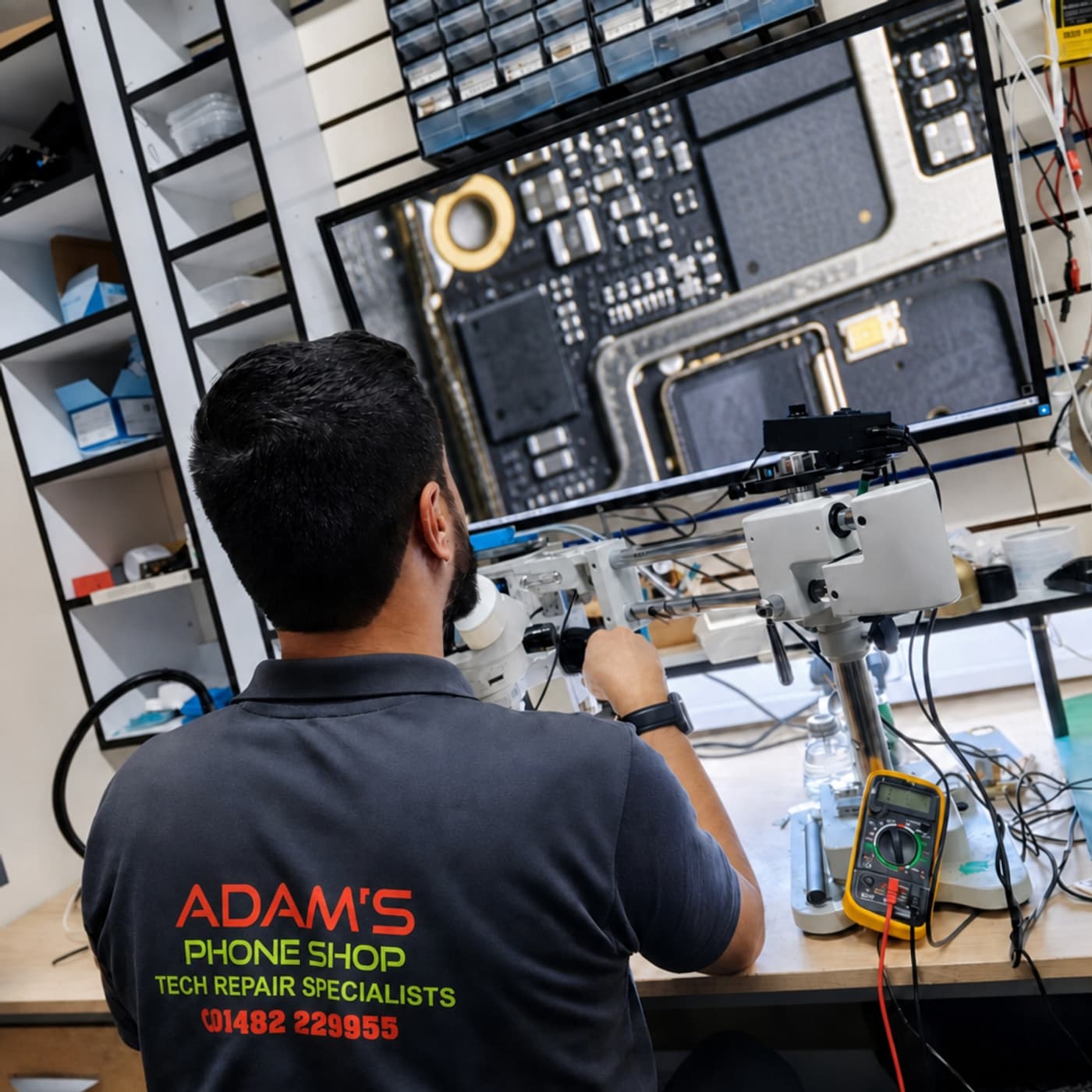
On the bench
What the statuses mean here
Wording can vary slightly by device, but these are the stages most Hull walk-ins see.
- 1
Checked in
Your device is logged at 259 Holderness Road and queued for a technician.
- 2
Diagnosing
We're testing the fault — screen, battery, charging port, or board-level issue.
- 3
Awaiting parts
We've ordered the part. We'll call or text when it's in and work starts.
- 4
In repair
A tech is actively working on your phone, tablet, laptop, or console in-house.
- 5
Ready for collection
Repair complete. Pick up during opening hours — bring your ticket if you still have it.
Rather speak to the bench?
Our technicians answer the shop phone — not a call centre. Quote your name or ticket and we'll tell you exactly where things stand.
Repair status is pulled from RepairDesk — the booking system we use in-store. If your ticket was created before we moved systems, call us and we'll find it manually.